
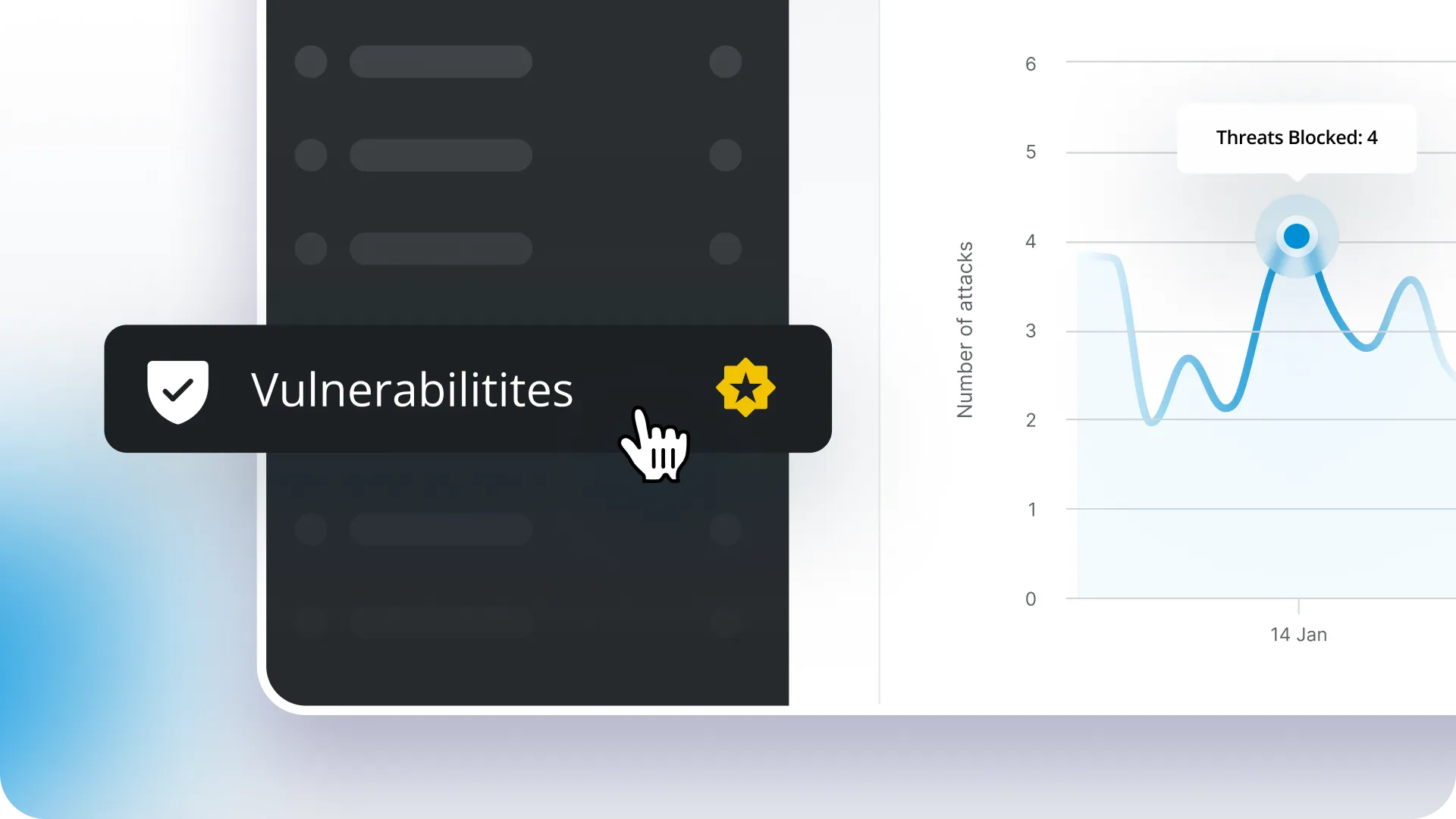
Last month, we wrote about releasing Vulnerability Protection to our Early Access program members and explained how it will work. Since then, we’ve rolled it out to all ManageWP users, and now we want to take a closer look at what it includes.
ManageWP has offered vulnerability detection for years. What’s new is an added layer of protection that helps block exploit attempts before vulnerabilities become public, all from the dashboard you already use every day.
How Vulnerability Protection works
As we shared in our previous article, this feature builds on the vulnerability detection already available in ManageWP by adding an automated protection layer.
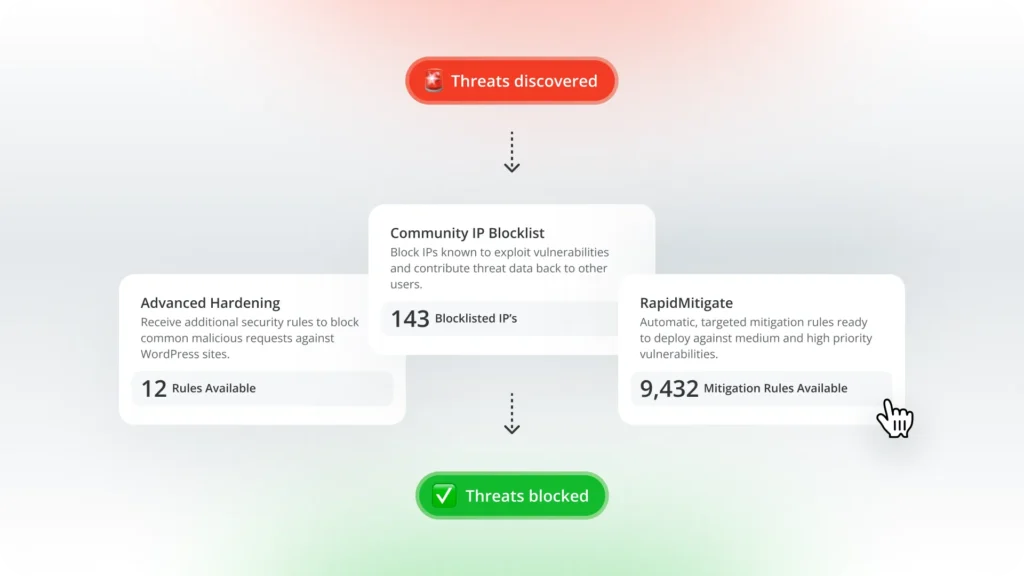
When a vulnerability is found in one of your installed plugins or themes, mitigation rules are applied automatically to help block known exploit attempts before they can be used against your site. In many cases, this happens up to 48 hours before public disclosure, giving you valuable time before attackers begin actively targeting vulnerable sites.
To enable this protection, ManageWP installs the Patchstack plugin for you as part of the activation process. Once that is done, everything runs automatically and does not need any additional configuration. Vulnerability detection remains enabled by default in ManageWP, while protection can be activated per site when you want an extra layer of security on top of detection.
Automatic mitigation is the core of the feature, but it is not the only layer involved. It also adds extra hardening rules and a community-powered malicious IP blocklist to help stop common attacks.
Vulnerability Protection in your workflow
One of the biggest advantages of this feature is that it fits naturally into the way you already manage websites with ManageWP.
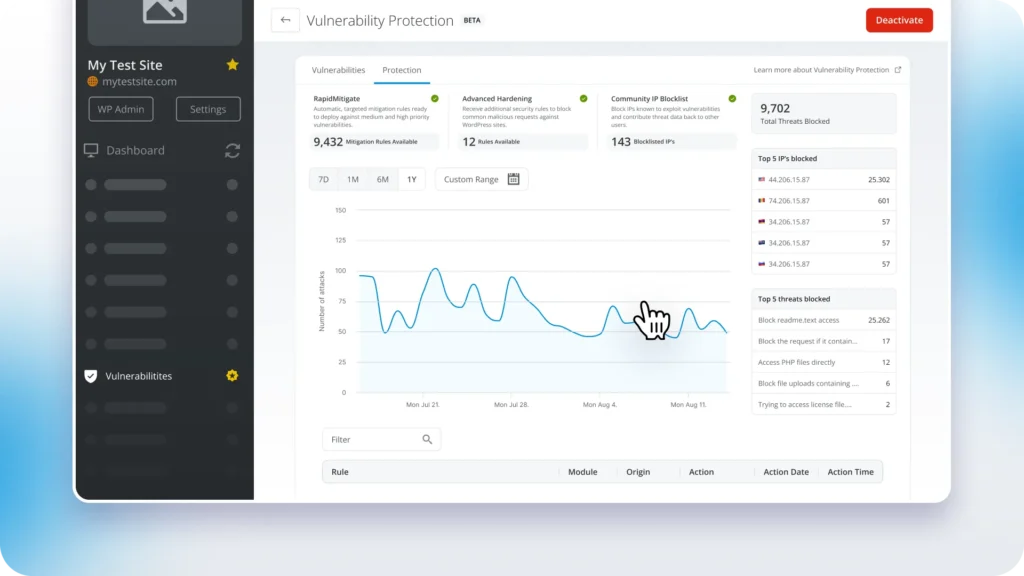
You can monitor vulnerabilities and protection status from the same dashboard you use for backups, updates, uptime monitoring, or client reporting. Vulnerability information is also included in client reports, and the services widget lets you see protection status across your websites at a glance.
Once protection is active, you can also see what it is doing in the background, including blocked threats, blocked IPs, and attack activity over time.
The goal is simple: stronger protection without another tool to learn or another dashboard to keep open.
Why your feedback mattered
We also want to thank everyone who participated in Early Access and shared feedback during testing.
Your input helped us iron out bugs, improve the overall experience, and get the feature ready for wider rollout. It also gave us a better sense of how this kind of protection fits into different workflows, from website owners to agencies managing large numbers of websites.
Pricing
Vulnerability Protection is available as a premium ManageWP add-on for $2/month per website.
For now, Vulnerability Protection is available only as an individual add-on. There is no bundled pricing for this tool yet, so it is not included in the All-in-One bundle at this time. Once bundled pricing becomes available, it will be included there as well.
Final word
WordPress vulnerabilities are discovered every day, and the gap between disclosure and developer fixes can leave websites exposed. This tool helps close that gap by automatically blocking known exploit attempts before they become a problem.
That said, vulnerability mitigation is not meant to replace plugin and theme updates permanently. It gives you immediate protection while you wait for an official fix or work updates into your regular maintenance cycle.
If you haven’t tried it yet, head to your ManageWP dashboard and turn on Vulnerability Protection. And as always, we’d love to hear what works for you and what you’d like to see next. Let us know through the send feedback form in the dashboard or in the comments below.

Leave a Reply